Prompt-to-video motion studio
Showit
Prompt in. Motion out.
A Remotion timeline with storyboard, imports, particles, and export — built to cut video, not decorate a 3D room. From RadicalAI.
01
Prompt → cut
Start from a prompt, then shape the motion on a Remotion timeline.
02
Bring assets in
Figma, X, Lottie, gradients, patterns — paste and place, then key it.
03
Ship the motion
Storyboard, captions, Interact, HTML and browser/sandbox export.
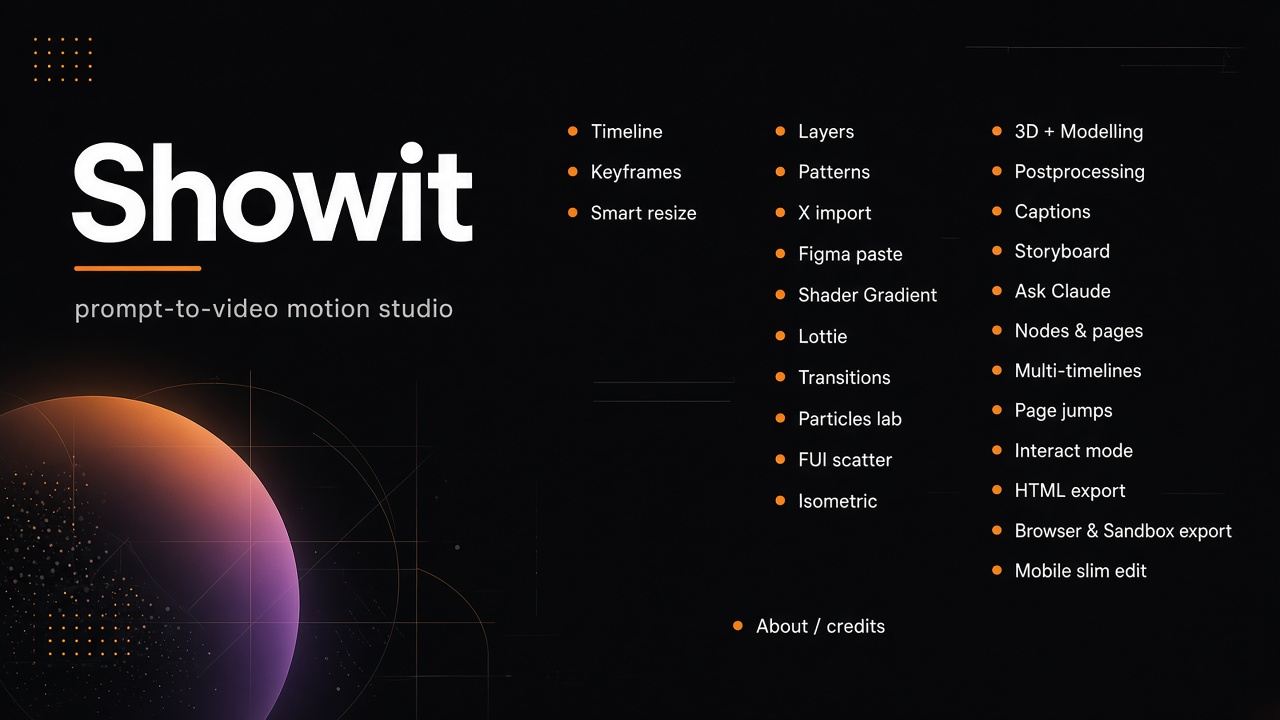
Pieces
Everything on the poster — grouped for a fast scan.
Timeline & motion
Remotion timeline with keys, layers, smart resize, and multi-timeline page jumps.
Timeline · Keyframes · Smart resize · Layers · Multi-timelines · Page jumps
Bring it in
Paste from Figma, pull X, drop Lottie, gradients, transitions, and patterns.
X import · Figma paste · Shader Gradient · Lottie · Transitions · Patterns
Look & effects
Particles lab, FUI scatter, isometric, 3D modelling, and postprocessing.
Particles lab · FUI scatter · Isometric · 3D + Modelling · Postprocessing
Structure the story
Storyboard, nodes & pages, captions, Interact mode, and Ask Claude.
Storyboard · Nodes & pages · Captions · Ask Claude · Interact mode
Ship it
HTML export, browser & sandbox export, plus a slim mobile edit path.
HTML export · Browser & Sandbox export · Mobile slim edit
Cut something.
Home is malijure.net/showit. Open the editor on the same site when you want to cut.